



Shipping Resources
Find the resources you need to help manage your supply chain.
Forms & Documents
Access bills of lading, customs forms, shipping labels and other helpful documents
Service Center Closures
See current service advisories, lane interruptions and holiday closures for ArcBest® Service Center locations

Digital Tools
Easily manage your shipping and logistics challenges with tools you can access anytime from anywhere
Rules Tariff
View the terms, conditions, rules and special service charges for ArcBest® provided services.
ArcBest® Time-Critical
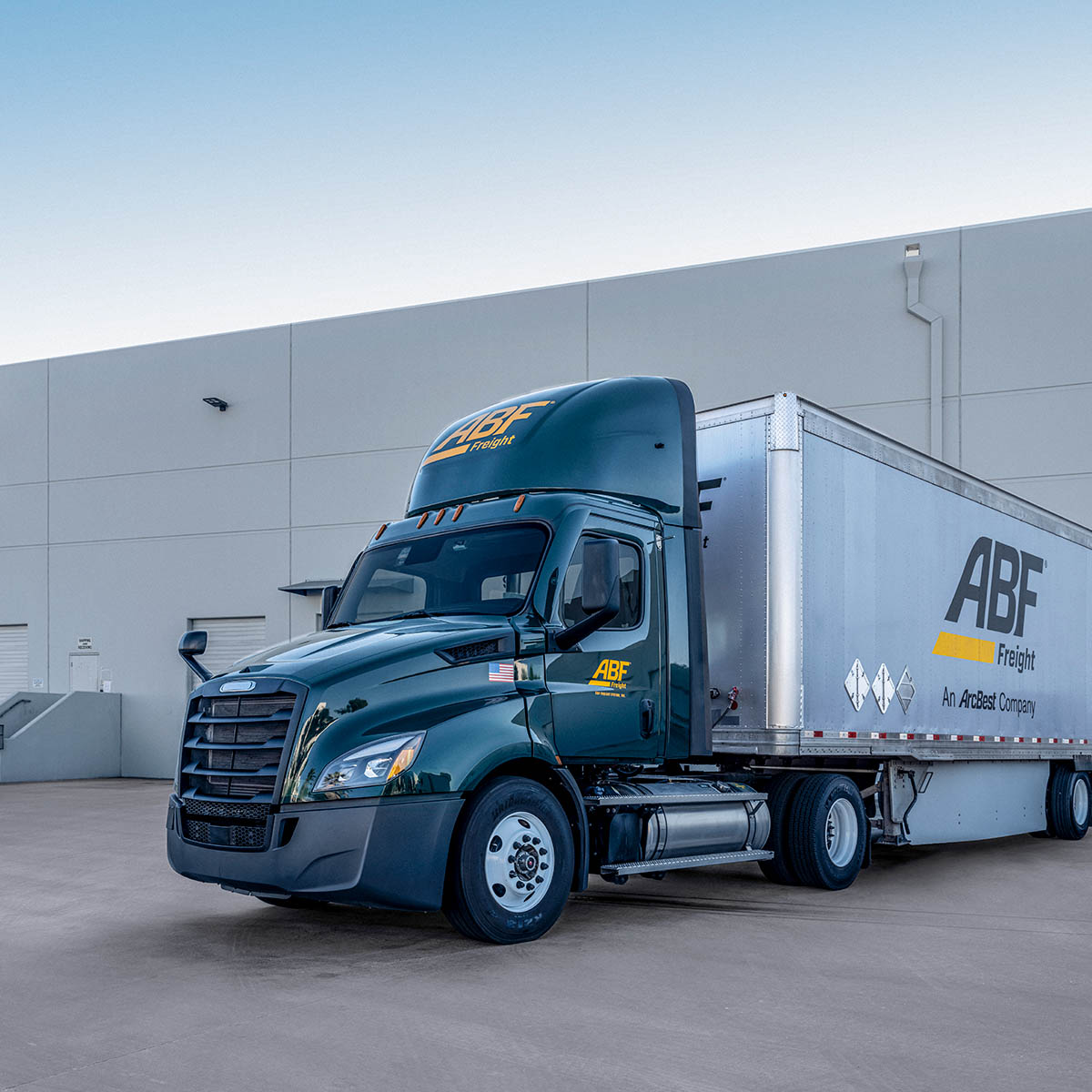
ArcBest® time-critical services, formerly known as ABF TimeKeeper, come with a 100% on-time guarantee. Let us know the specific day and time window you need, and we’ll deliver.
Solutions include:
- Same-day shipping
- Next-day shipping
- Second-day shipping
With end-to-end shipment visibility, proactive notifications, and online pickup and delivery confirmations, we offer the solutions you need for fast, precise delivery — when and where you need it.
ABF 610 Tariff – TimeKeeper Service
ARC 610 Tariff – Time Critical Service
Commercial ReloCube® Services
Whether you need enhanced security for high-value freight, easy ground-level loading and unloading or additional storage options for shipments in transit, the ABF Freight® ReloCube® is an ideal solution. It’s a custom-built steel and aluminum portable storage container that’s designed with secure freight shipping in mind. Lock it and keep the key — we’ll do the rest.
ReloCube Specifications
ReloCubes are equipped with logistics tracking throughout the interior to secure your freight in transit.
- Exterior Dimensions: 6 ft. x 7 ft. x 8 ft. (dwh)
- Interior Dimensions: 5.8 ft. x 6.8 ft. x 7.8 ft. (dwh)
- Loading Capacity: approximately 307 cubic feet
- Weight capacity: Maximum of 2,500 lbs.
Call 800-491-2870 today for a commercial ReloCube quote.
For residential moving, get a portable storage quote online.
Secure Shipment Divider
If you want extra privacy, security or just plain peace of mind, you choose first-class travel. Well, the same goes for your LTL freight. Choose our secure shipment divider service when you want private space and added peace of mind for your goods. It’s a first class solution.
Secure shipment divider service adds security and simplicity to your shipment. Our segregated bulkhead shipping solution provides enhanced security for high-value freight. Since your freight will be frontloaded, the secure shipment divider eliminates co-mingling and labeling of multiple cartons. It reduces crating and packaging costs. It also utilizes a single bill of lading for the entire contents.
Requesting secure shipment divider service is easy. You simply select it as an option with our online quote or bill of lading form.
What’s a TruckPack®?
It’s an inexpensive, sturdy bulk shipping box for up to 1,500 pounds of cargo. It’s also a convenient, compact, cost-effective packaging solution. The ABF Freight® TruckPack® container consists of top and bottom trays, a single collapsible wall, banding material and assembly instructions. Best of all, this box fits on a standard 40" x 48" pallet.
Compact and damage resistant
A TruckPack shipping box is easy to handle and can be assembled in about 60 seconds. Filled with product and placed on a pallet, these bulk shipping boxes can be double-stacked (but not racked) for storage. Because they’re constructed of laminated, double-wall corrugated materials, our pallet boxes typically exceed off-the-shelf packaging used by most companies.
Space Based Pricing
What is the cubic minimum charge (CMC)?
Spaced-based pricing is a simplified approach to LTL shipping — it makes getting a quote easier and more accurate. Similar to the Absolute Minimum Charge that applies to weight-based pricing, the Cubic Minimum Charge (CMC) is a minimum linehaul rate for shipments based on the space they occupy — establishing an absolute minimum price per cubic foot for LTL shipments.
When you get an LTL quote by phone or online, just provide the dimensions of your shipment (length, width and height), along with details such as origin, destination, weight, and class, and we’ll help determine whether the space-based minimum charge applies to your freight.